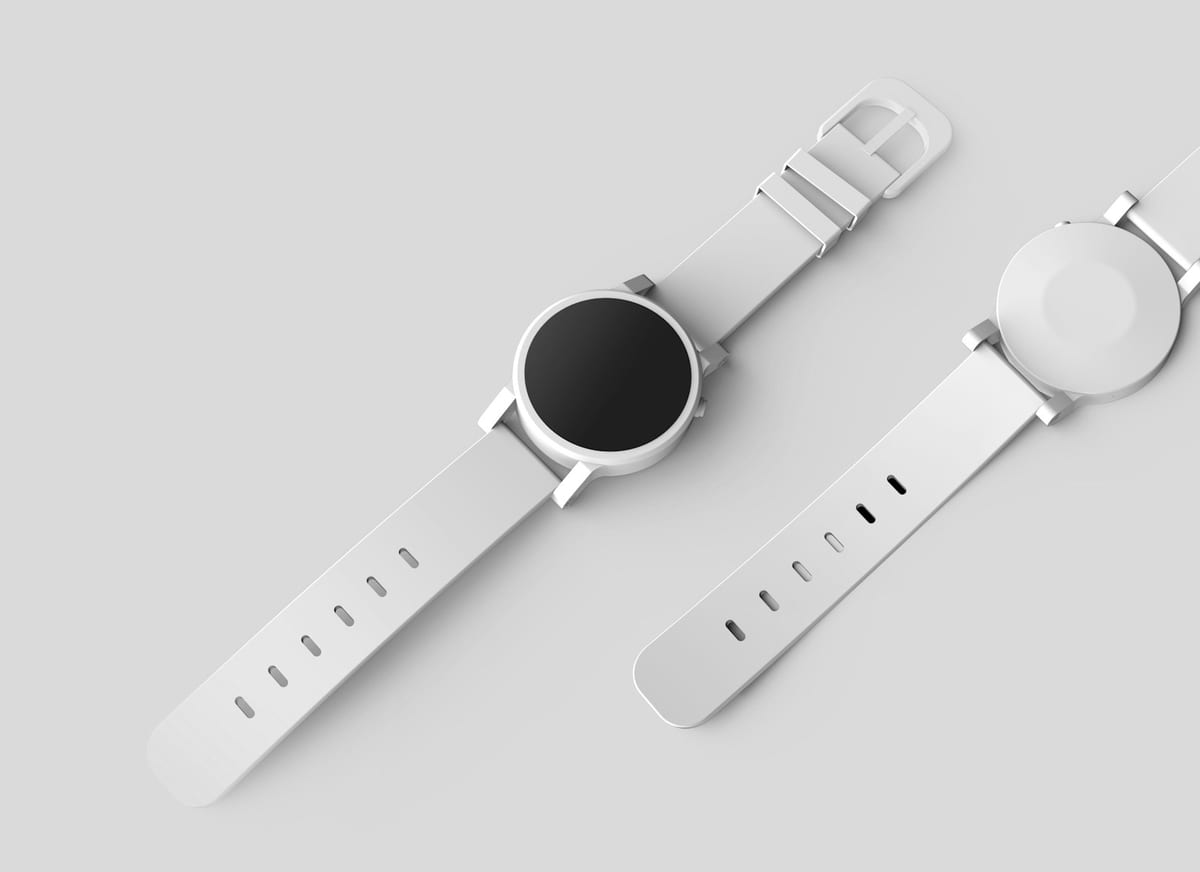
Marketplace images are flat by default, which makes every listing look the same. A clean cutout plus a small parallax tilt reads as a 3D showcase — and it costs nothing but a few minutes.
The listing-image stack
Most high-converting product images are built in layers: a well-lit product, a clean background, a soft contact shadow and optional motion. Each layer can be produced locally.
- Cutout: remove the original background and keep a 1–2px soft edge
- Backdrop: neutral gradient or a brand color, never a busy scene
- Contact shadow: a soft ellipse under the product, not a hard drop shadow
- Motion: a 10–15° tilt is enough for a card hover or a short loop
Do not overdo the 3D
A product that swings 40° looks like a toy. The goal is depth, not a roller coaster: small movements make the product feel solid and premium.
Do it in four steps
- 01
Photograph the product on a plain background with even light.
- 02
Remove Background and download the transparent PNG.
- 03
Upscale the cutout 2× if the image will be used on a large hero section.
- 04
Load the cutout into Image to 3D, set parallax to 25–35%, and export the render.
Questions
Can I use these images on Amazon or Etsy?
Yes. You own the output. Check each marketplace’s rules on composited backgrounds and text overlays.
Do I need a 3D scan?
No. The effect is a 2.5D depth render from a single photo. It is enough for cards, ads and landing pages.
Is the cutout quality good enough for print?
For small and medium print, yes. For large-format print, shoot at higher resolution and upscale 2×.